



Troubleshooting
This section provides troubleshooting strategies and solutions for common errors.
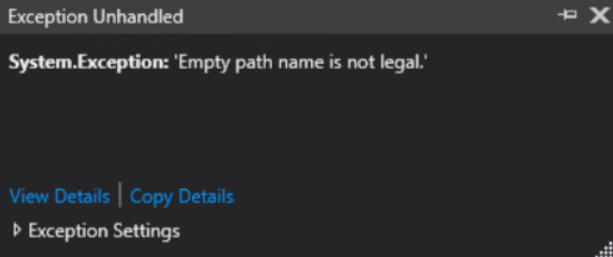
System.Exception: 'Empty Path name is not legal'
Possible causes
This error message is displayed in Visual Studio when the Platform target is set to Any CPU while running the console application on a 64-bit operating system, in which it is using the BSIDAPI DLL for authentication.
Solution
Perform the following steps to resolve the issue:
-
Open the console application in Visual Studio.
-
Right-click the project in Visual Studio and click Properties.
-
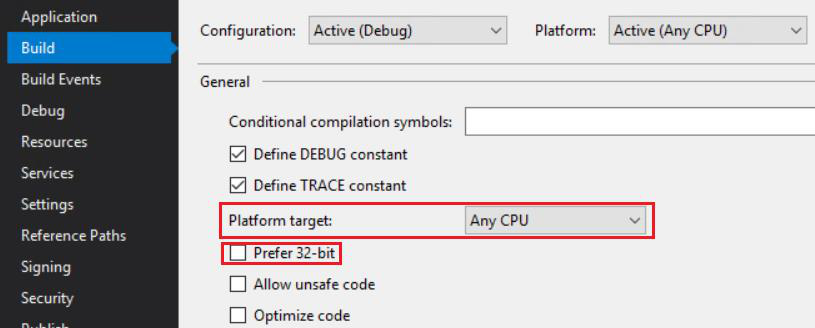
In the left pane, click Build.
-
Under Build, from the Platform target drop-down, select Any CPU.
-
Ensure that the Prefer 32-bit check box is not selected.
-
Save the changes.
After making the above configuration change, run the application. Visual Studio will not throw the exception.

