



Troubleshooting
Creating Installation Log
If you require that the installation log is created, run the installer from the command prompt using the following command:
SafeNet Agent for Microsoft RDGateway.exe /v"/l*v setup.log"
Resolving Authentication Bypasses
If the SafeNet authentication is not getting invoked consistently, ensure that the Bypass RD Gateway server for local addresses option is not selected in your RD Gateway Server Settings.
Error Handling
-
Error Message: The following Permissions and NetBIOS error message is encountered while launching the RDP file:
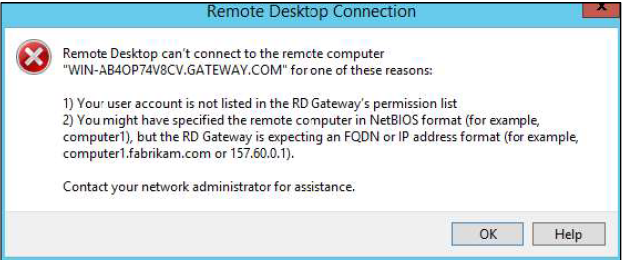
Solution: Review the Resource Authorization Policy (RAP) and ensure that it is in the right order.
-
Error Message: The following error message appears when the RD Gateway Service is in the Stopping or Stopped state:
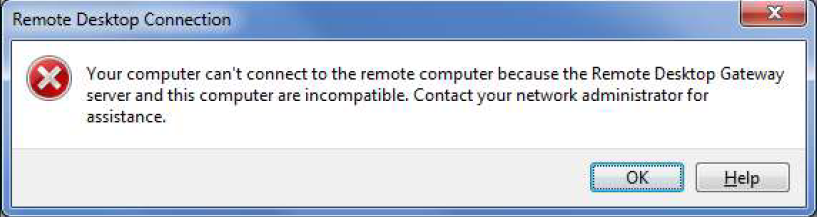
Solution: If the RD Gateway service is in the Stopped state, restart the service. If the RD Gateway service is in the Stopping state, kill the service and start again. Check if the service is in the Running state and try to connect again.
Note
If the RD Gateway service takes longer to start, update the settings using the Management Console and ensure that the RD Gateway service is up and running.
-
Error Message: The following error message appears when the Session Host is not reachable:
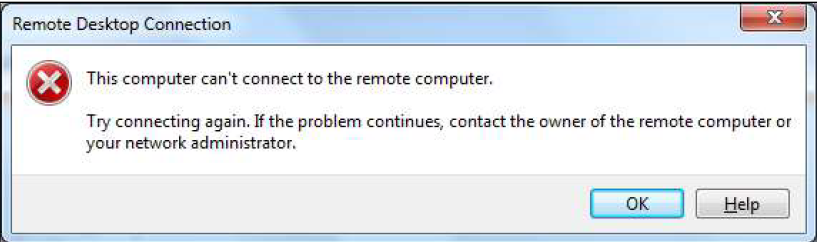
Solution: The error message indicates that either the machine is switched off, or some network issue exists. Check if the session host machine can be communicated with, ping the machine to verify.
-
Error Message: The following Authorization error message appears while launching the RDP file:
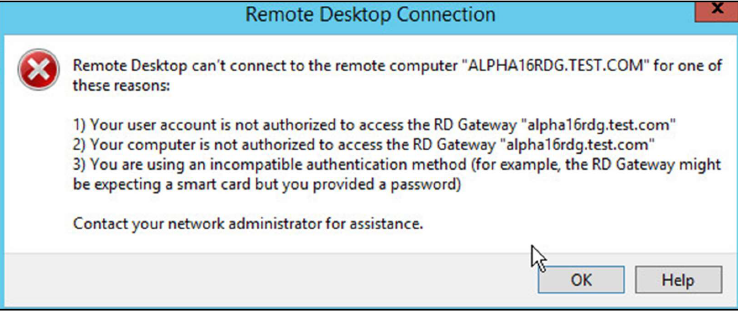
Solution: Review the Resource Authorization Policy (RAP) and ensure that it is in the right order.
-
Error Message: The following error message appears when someone tries to establish a parallel session with a session host using the same credentials. The last connection remains established. The prior connection shows this error message and the RD connection terminates.
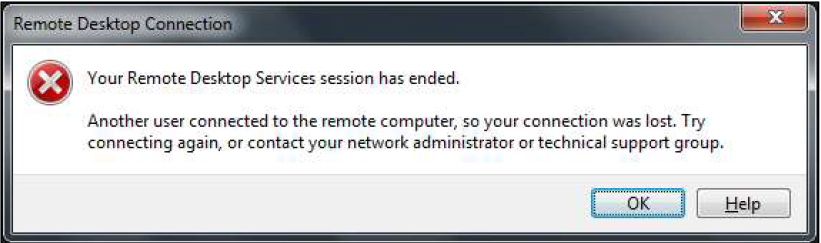
Solution: This is expected behavior when attempting to establish multiple concurrent sessions with the same credentials. Only one active session per user credential set is supported.

