Installing SafeNet Agent For Microsoft RDWeb
-
Log on to RDWeb server as a user with administrative privileges.
-
Locate and run the following installation package:
- SafeNet Agent for Microsoft RDWeb.exe
-
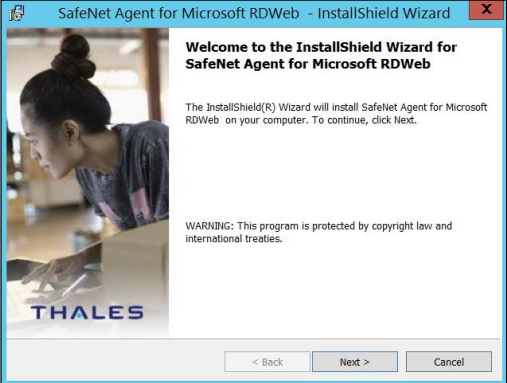
On the Welcome screen, click Next.
-
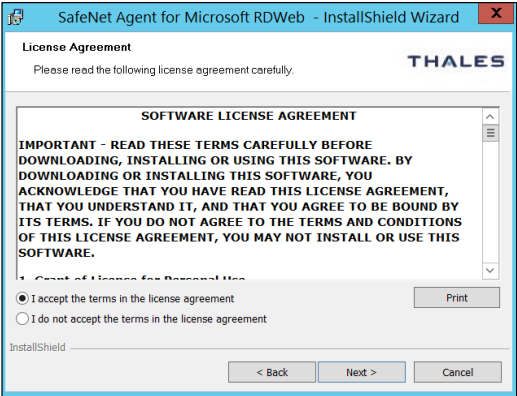
On the License Agreement screen, accept the license agreement, and click Next.
-
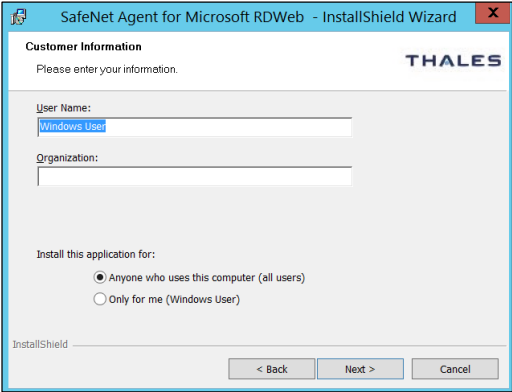
On the Customer Information screen, enter User Name and Organization (any names can be used), and click Next.
-
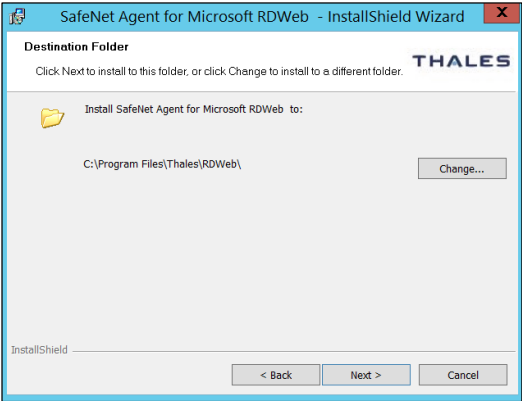
On the Destination Folder window, perform one of the following:
- To change the installation folder, click Change and navigate to the required folder, and then click Next.
- To accept the default installation folder as displayed, click Next.
Note
The default location is
C:\Program Files\Thales\RDWeb. -
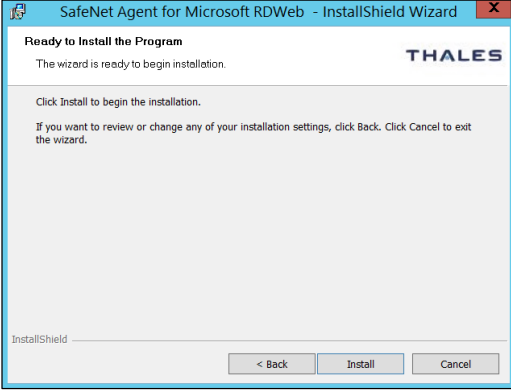
On the Ready to Install the Program window, click Install.
-
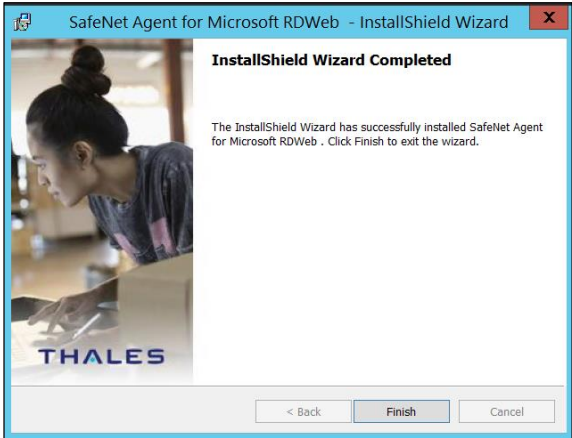
Once the installation is completed, the InstallShield Wizard Completed window is displayed. Click Finish to exit the installation wizard.