Error Codes And Messages
-
The following error message appears when the RD Gateway Service is in the Stopping or Stopped state:
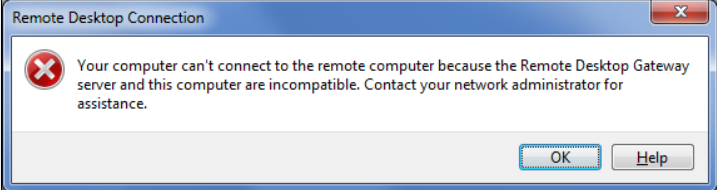
If the RD Gateway service is in the Stopped state, restart the service.
If the RD Gateway service is in the Stopping state, kill the service and start again. Check if the service is in the Running state and try to connect again.
-
The following error message appears when the user is on the IIS Resource page and IIS Stops working:
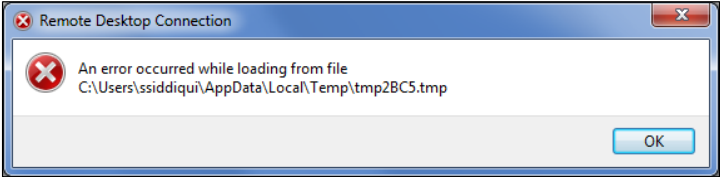
Start IIS. Check if the Remote Desktop Gateway service is up (start if it is stopped) and try to connect again.
-
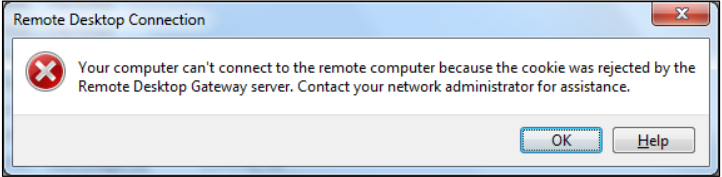
The following error message appears when:
- An RDP file is downloaded by a user on a machine, and that file is used with the same user credentials on a different machine.
- Timeout for a token occurs.
-
The following error message appears when the Session Host is not reachable. Either the machine is switched off, or some network issue exists:
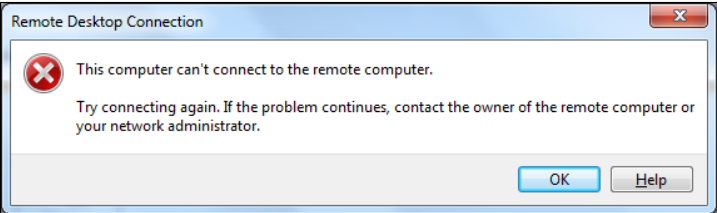
Check if the session host machine could be successfully pinged.
-
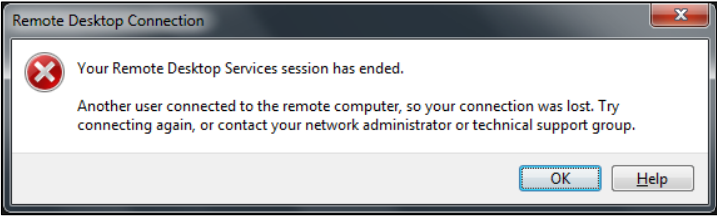
The following error message appears when a parallel session is tried to establish with a session host, using the same credentials. The last connection remains established. The prior connection shows this error message and the RD connection terminates.