



Running The Solution
To access any RD resource protected by the SafeNet Agent for RD Gateway, follow these steps:
-
Establish an RD connection using the Microsoft Terminal Services Client.
-
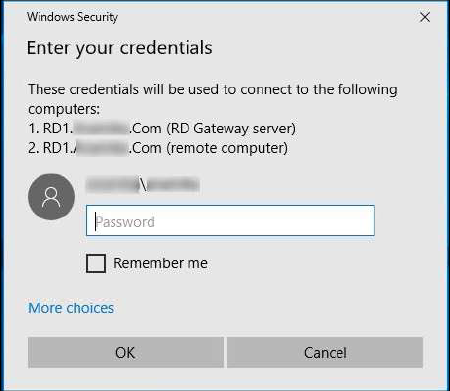
Enter the AD password, and click OK.
-
The user receives a prompt on their MobilePASS+ app (if enrolled) to accept or reject the logon request.
-
On accepting the logon request, the user can access the protected RD resource.

